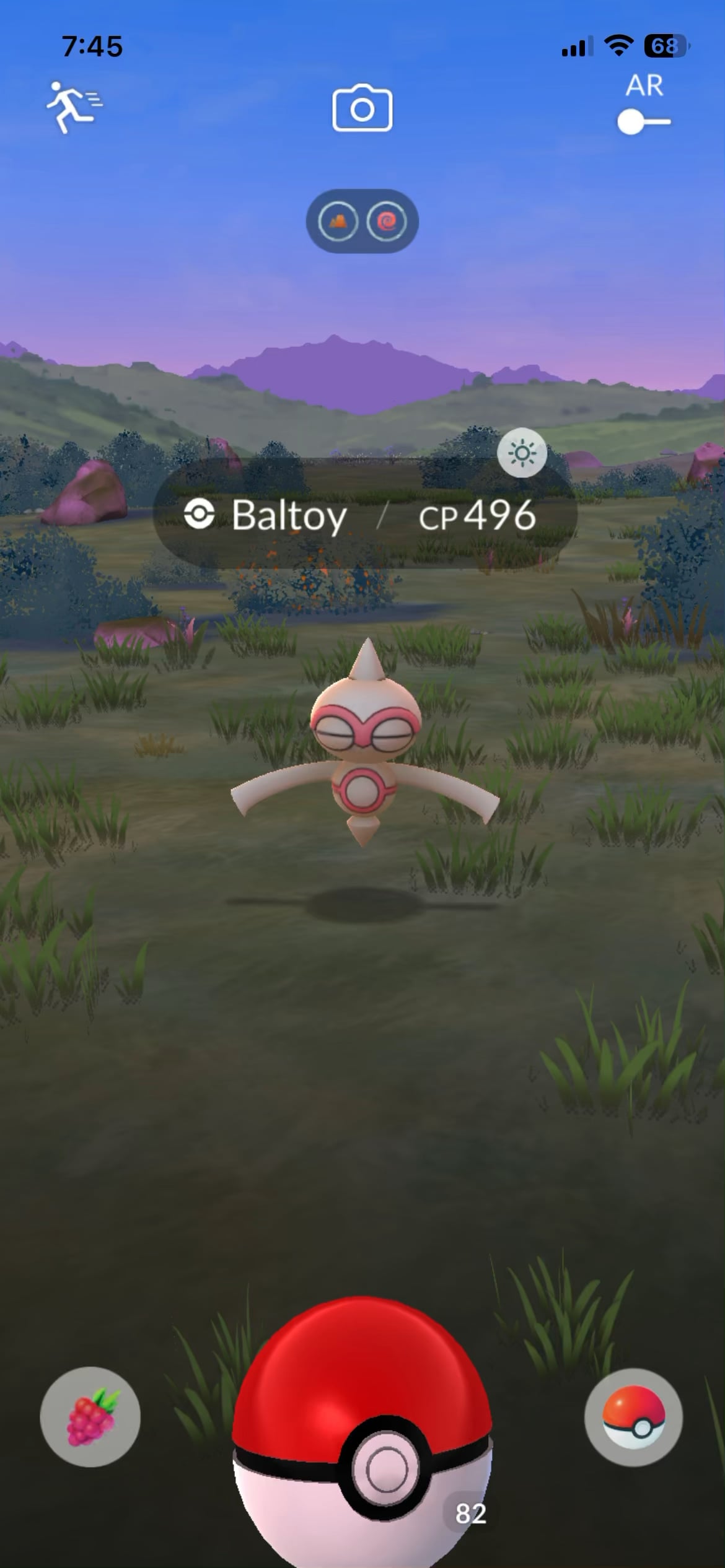
In a recent post, I saw someone mentioning the fast catching method of catching a Pokemon and skipping the ball shaking animation. An alarming number of players have not heard of it, including some older players, so I wanted to post a reminder as this tip saves SO much time in heavy spawn areas.
The method seems clunky at first, but it is very easy to get used to.
The method:
First you’ll hold down the Ball icon and slide it to the left onto the Berry icon, without letting go. In the video you can see the Ball icon fidgeting when I slide it over. I use my left thumb to do this, so that I hold my phone with my left hand while holding down my thumb.
Then, while still holding down my thumb, I throw with my right finger. As soon as my ball hits the Pokemon, I let go of my left thumb. This causes the Ball menu to pop up. Tap out of the Ball menu, and leave the encounter at the top left.
This counts as one throw attempt. If the Pokemon is no longer on the screen or isn’t in clickable, then you have either caught it or it ran away on the first throw. If it’s still there, you can attempt to catch it again.
If this is still unclear, there are many other videos out there that may explain it better. But I do implore you to practice this as it will save you tons of time.
Happy catching!
by Heartnet