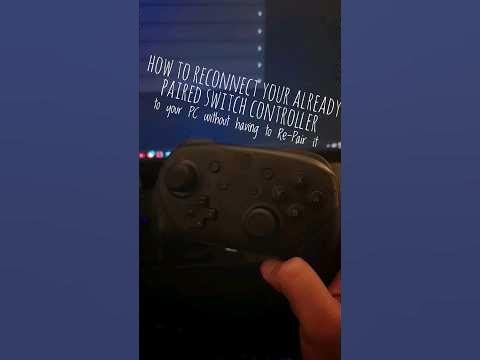
I found a question in this subreddit asking this question and I noticed no one has made a video on this trick that l’ve been using for a few years now.
All you need to do is hold the capture button to reconnect to your Pro Controller to your PC, I’m not sure if this only works with steam installed but you anyways should have steam installed as it converts the input to xbox controls.
Hope this helps! 🙂
by LyronAA
4 Comments
Ooh interesting. I’ll have to try this. I don’t use steam but BetterJoy so we’ll see if it works for me. I always have to completely unpair the pro controller and then repair to get it back. This would be great if it worked.
Okay I just tried it. It works! However.. I noticed that pressing ANY face button on my controller that wakes it up also gets it to re-connect. I gave up trying that years ago because I swear when I first tried waking up my controller without having to re-pair it just didn’t work.
Granted, I don’t pair this Pro Controller to my Switch ever so that might be an element in play here.
Neat, does this work on iPad?
Thank you so much.
This worked for me. You have been a great help.
I really Appreciate it.