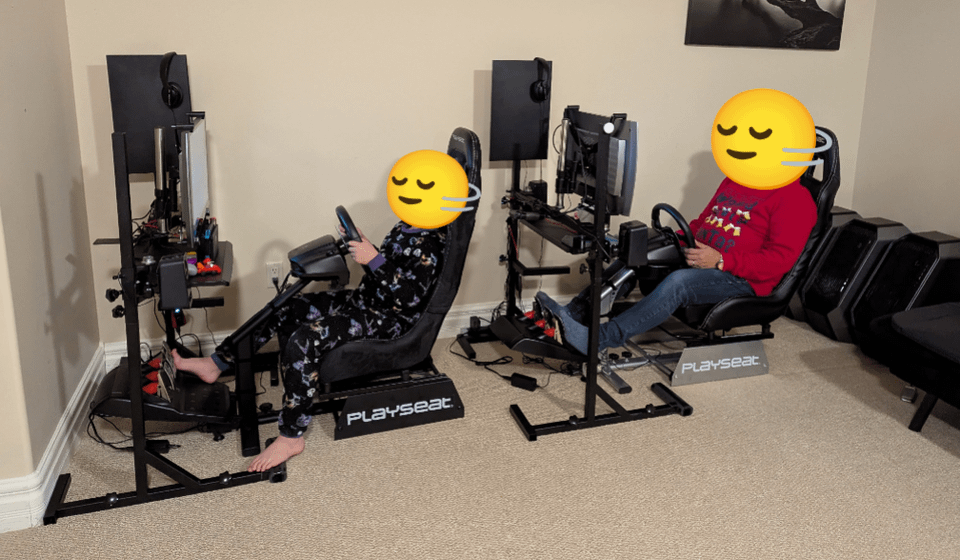
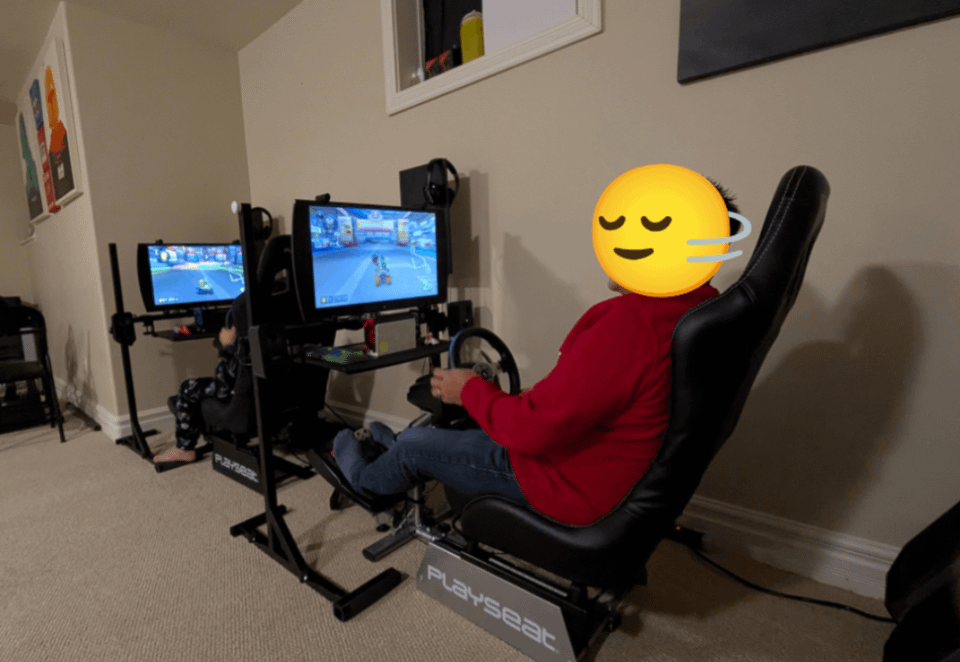
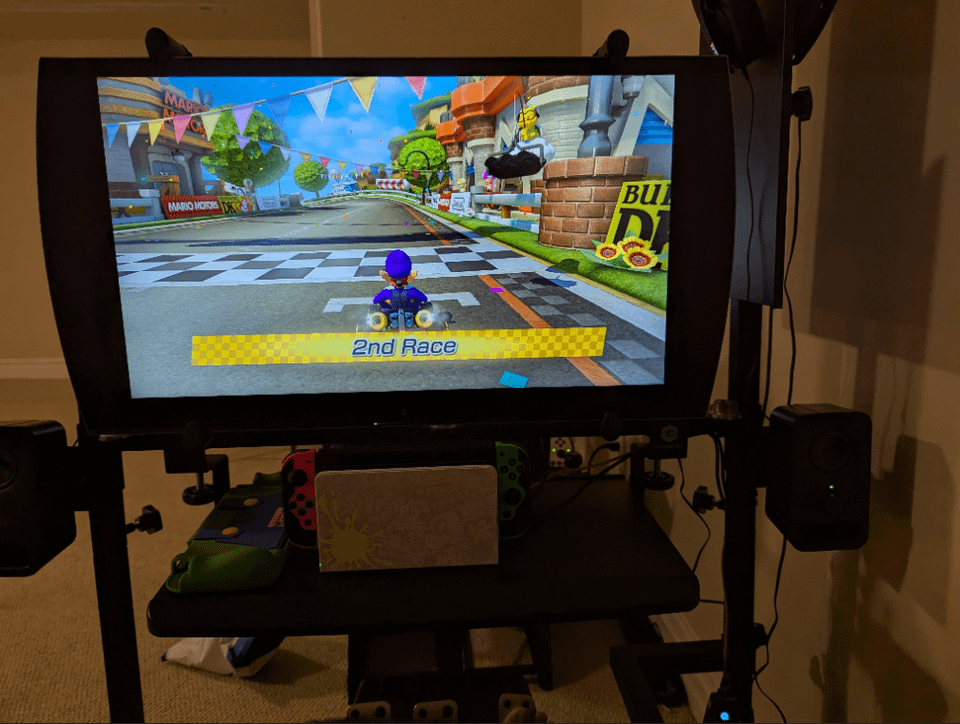
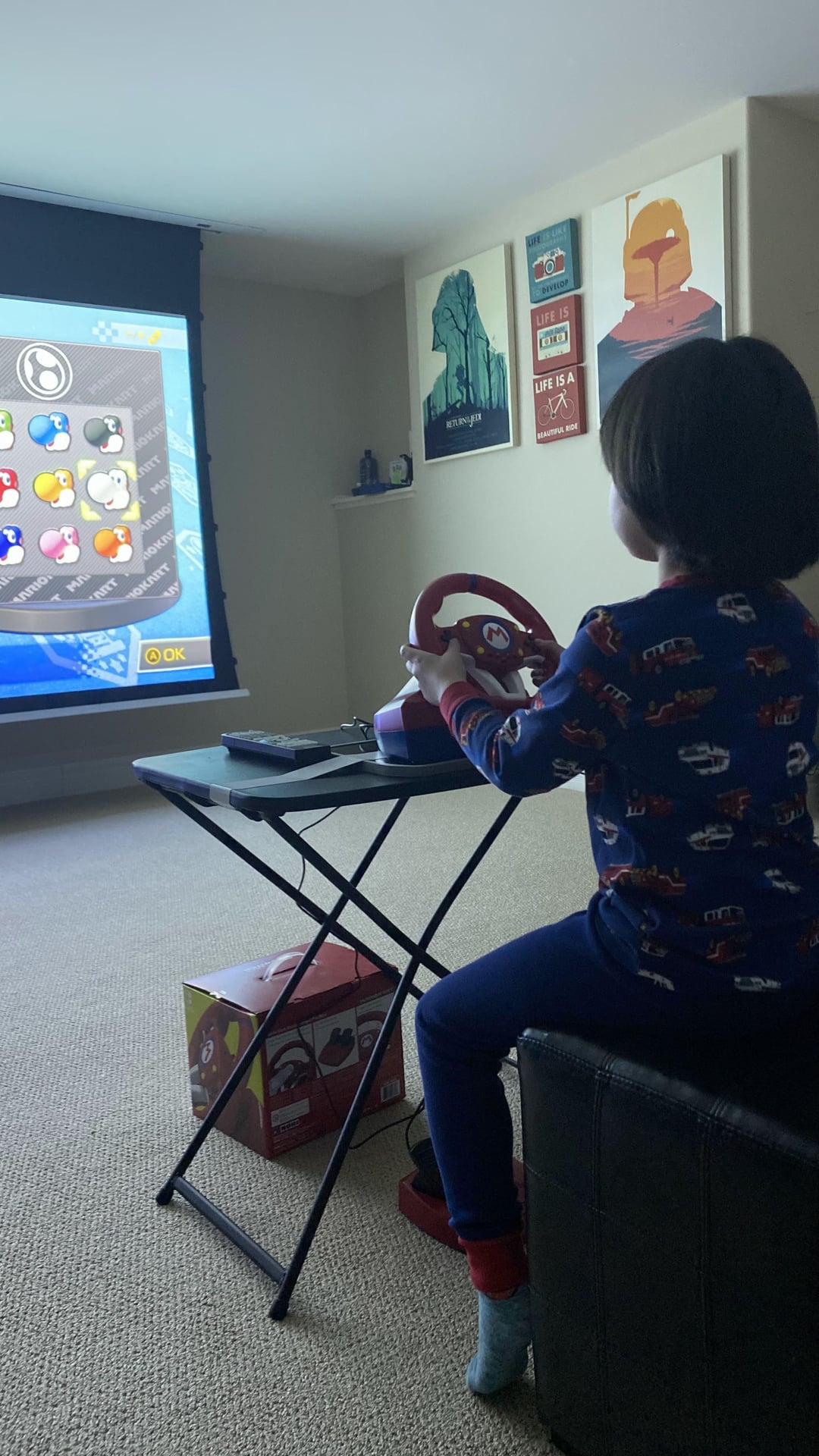
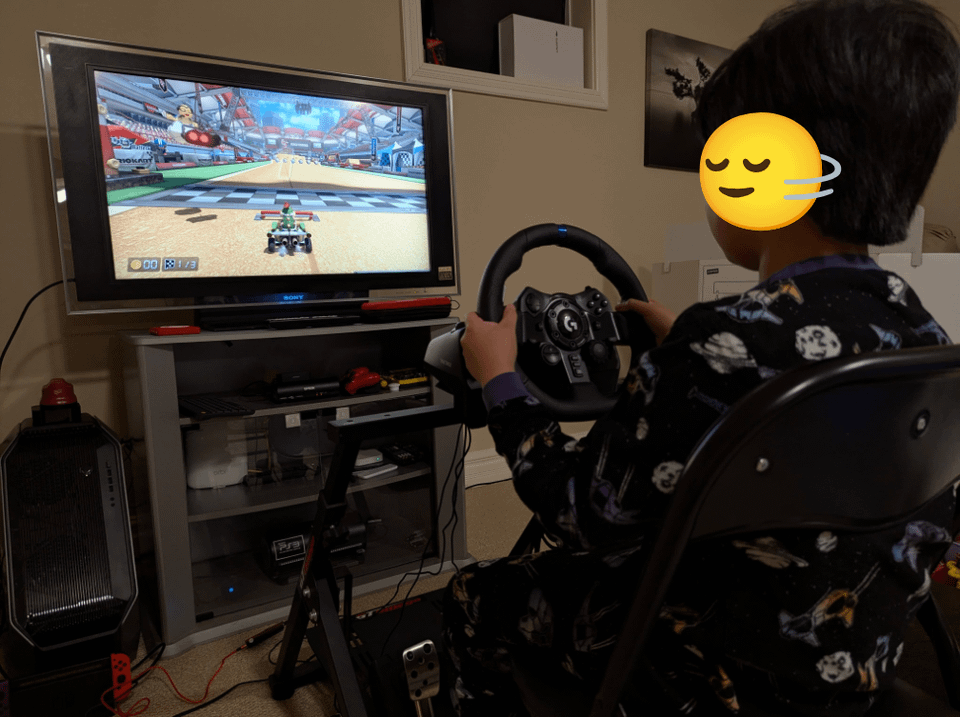
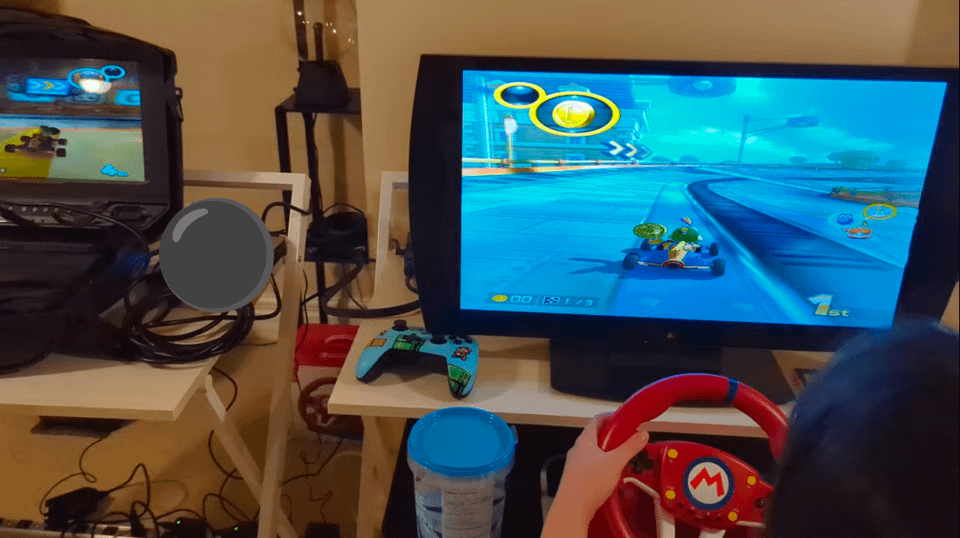
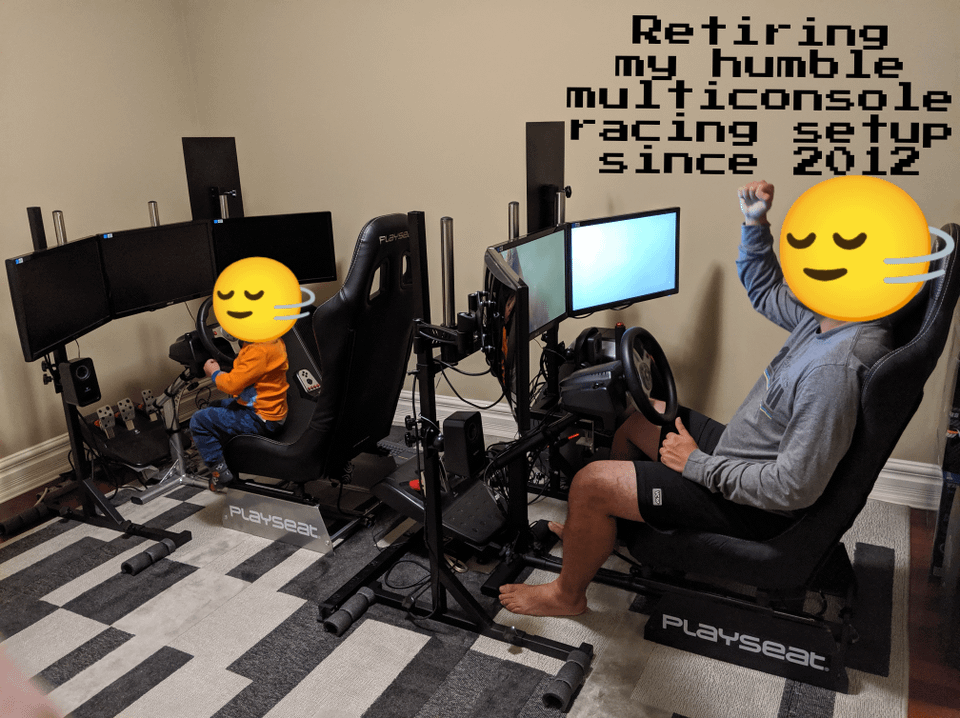
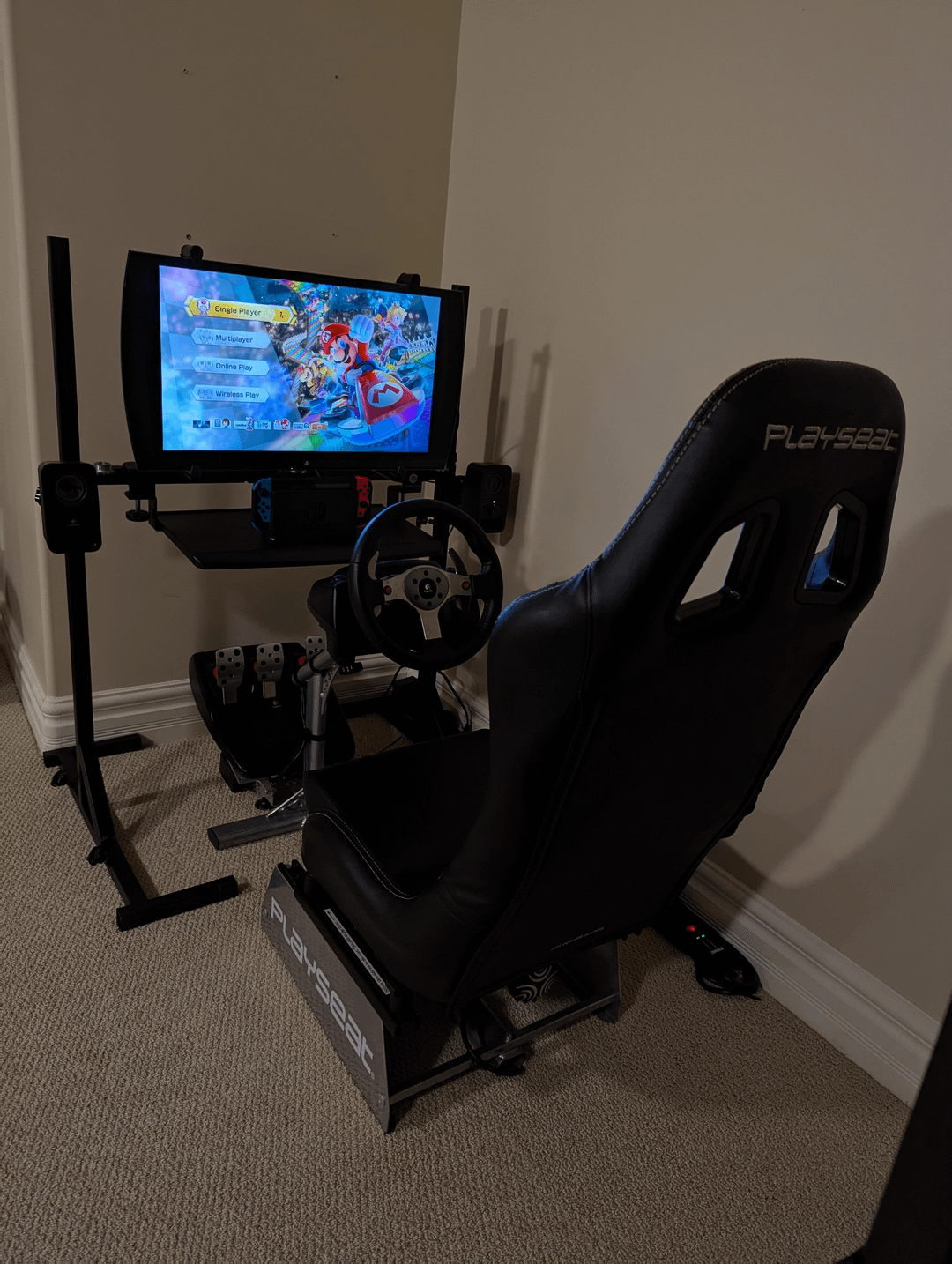
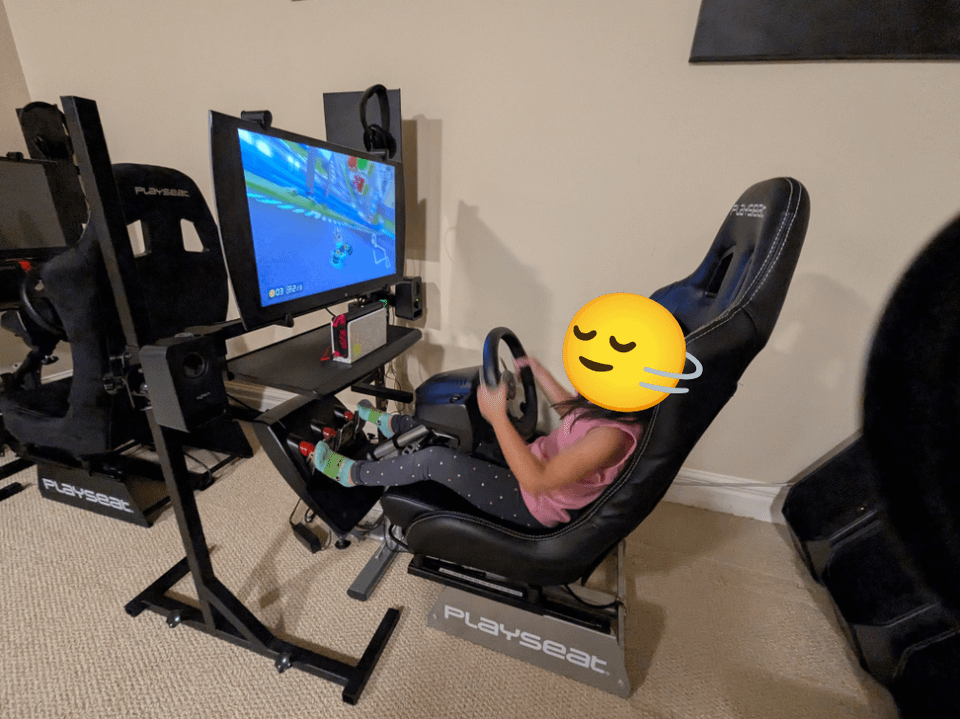
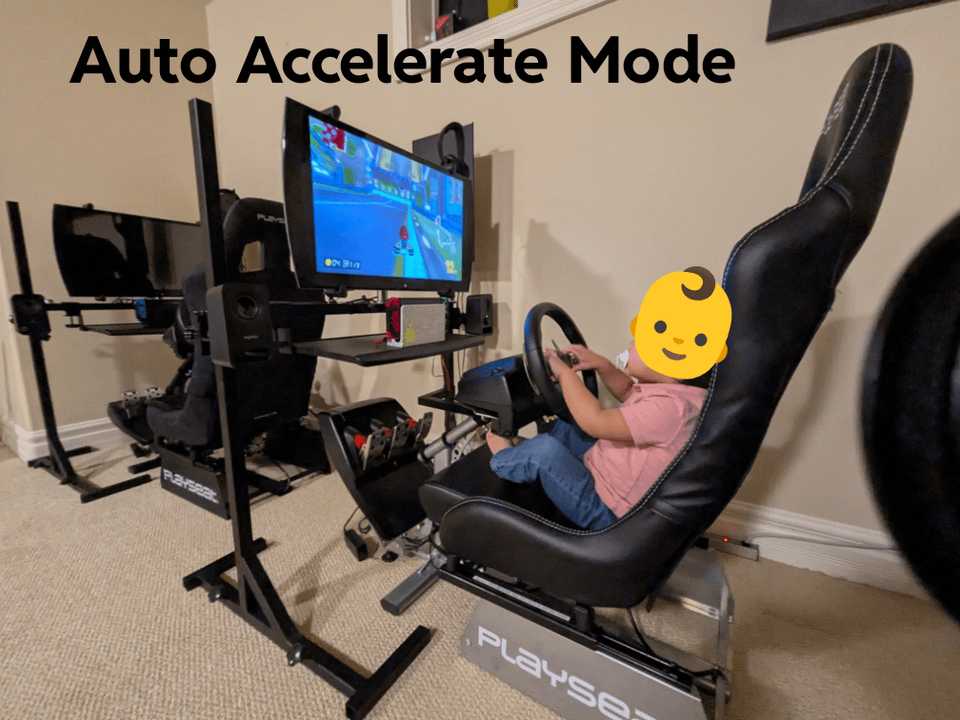
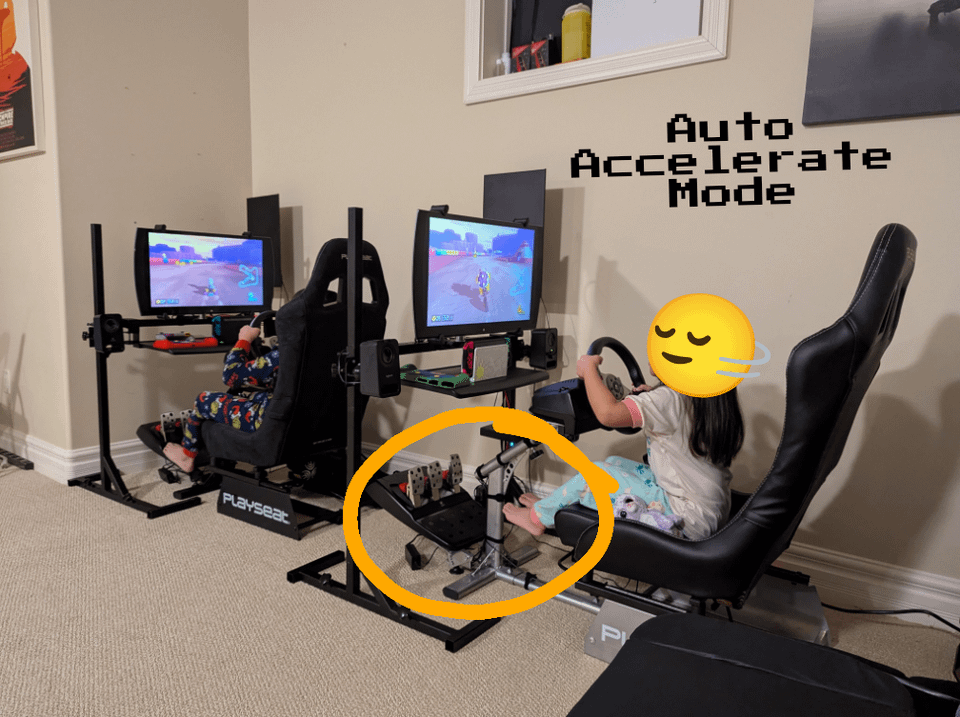
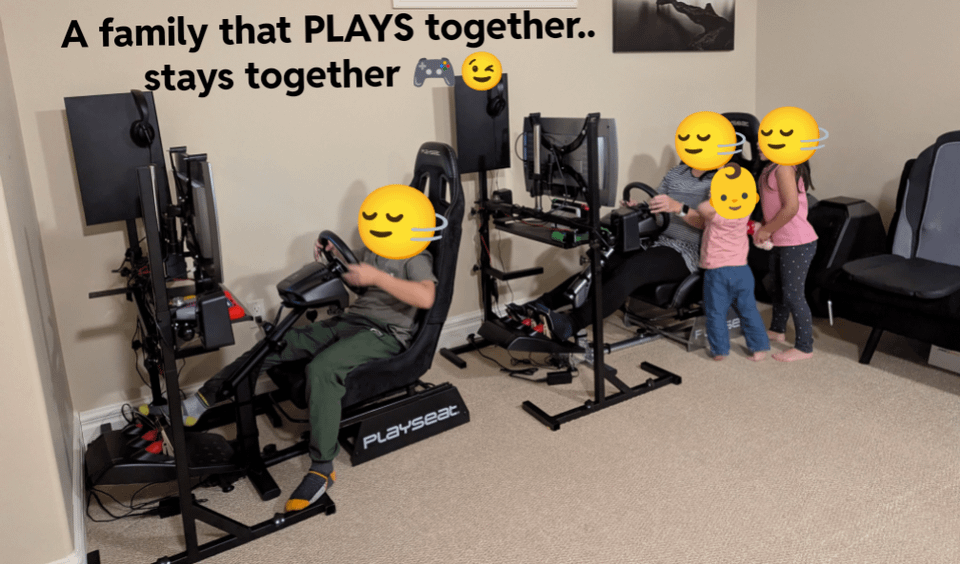
From an outdated Triple Monitor SIM racing setup to a more wholesome and FUN Mario Kart arcade station. *Photos included shows how it evolved overtime, first 3 pics is the current setup from the time of this posting.
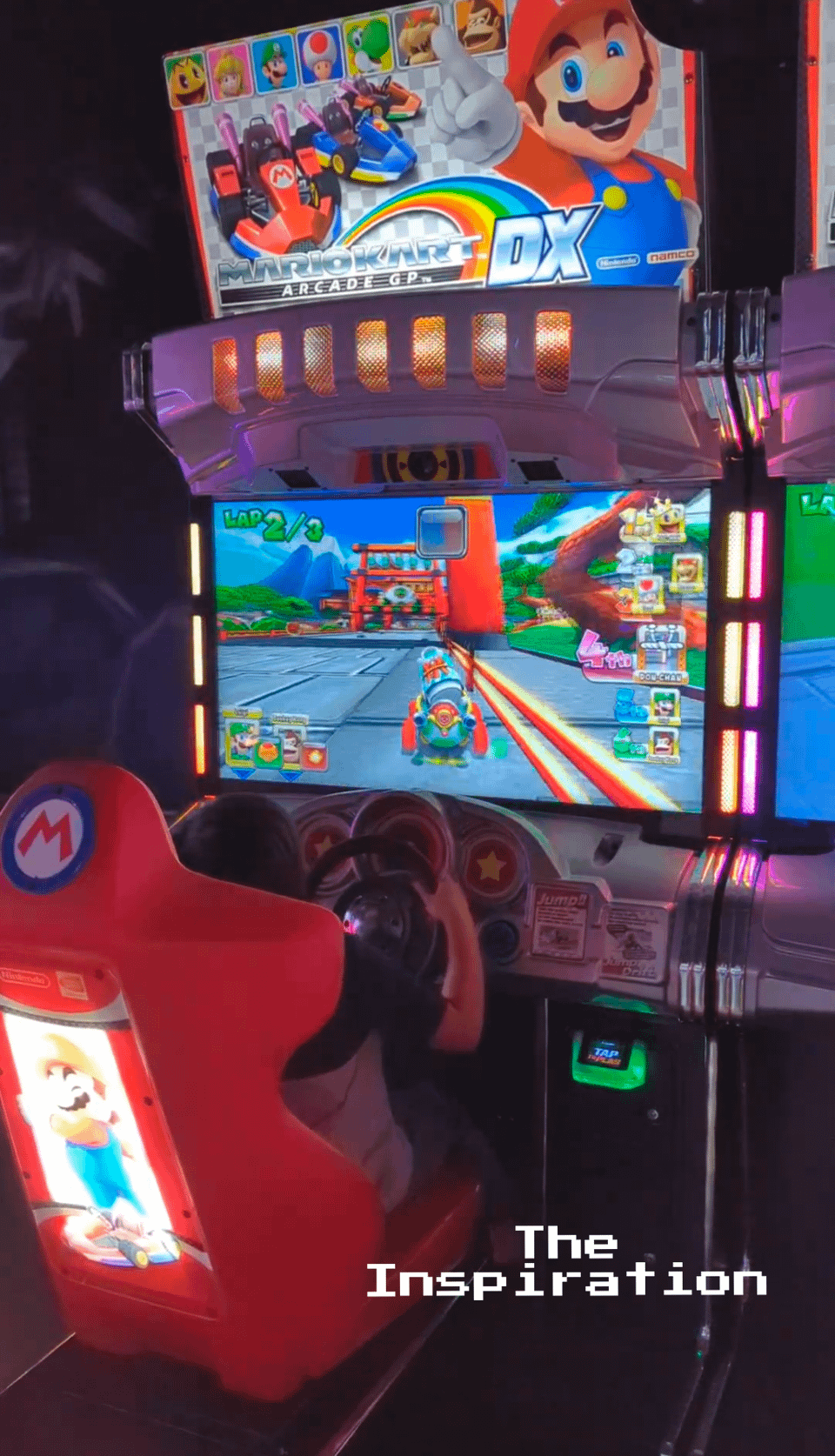
Since having kids, I really didn't have the time to sim race no more. And now that they're at the age where they really enjoy playing Mario Kart 8 on their Switch and we have lots of fun playing Mario Kart Arcade GP DX in an Arcade/Playhouse we frequent, I decided to convert two triple monitor racing setup for a Mario Kart – 2 Player Racing Station instead. Best part is I always win this time around 😏, nah… I let them win most of the time or they won't play with me no more. 🙂
In my quest to capture that Mario Kart Arcade GP DX experience, I settled with Switch's Mario Kart 8 Deluxe as an alternative, IT JUST WORKS, plus we can play online with relatives from far away, play as a team ONLINE or against CPU OFFLINE or just versus via LAN, very simple to setup. It's a party hit with friends both old and young, it's the busiest corner in the house when I host parties.
I initially started with the official Hori Mario Kart Wheel but I find them too flimsy and won't stay mounted on the gaming chair. For awhile they played on a table with monitors. I did my research and went with an adapter instead, to enable popular racing steering wheels from other consoles to work with Switch, complete with Force Feedback (There's plenty at Amazon, I don't want to be accused of promoting specific product on this post). I opted for this old school gaming wheel that's already installed and ready to go (my PS360 days wheel of choice) which has sequential mode for the stick shift. These gadgets and two switches, each with their own Mario Kart 8 cartridge and with all the DLCs, we now at least have 80% of that Mario Kart Arcade GP DX experience, in an UNLIMITED way and with different gameplay modes..eg Battle mode fun.
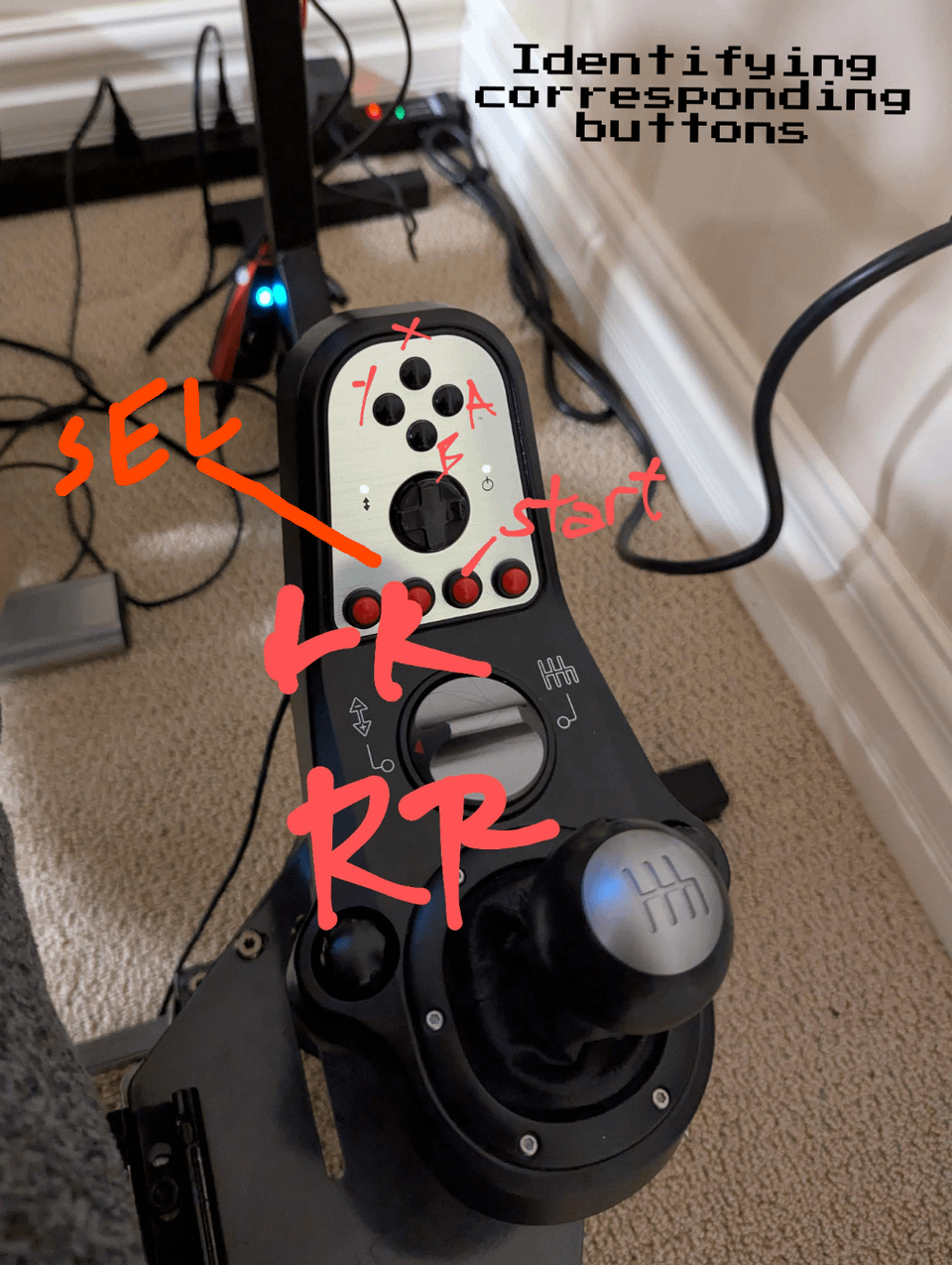
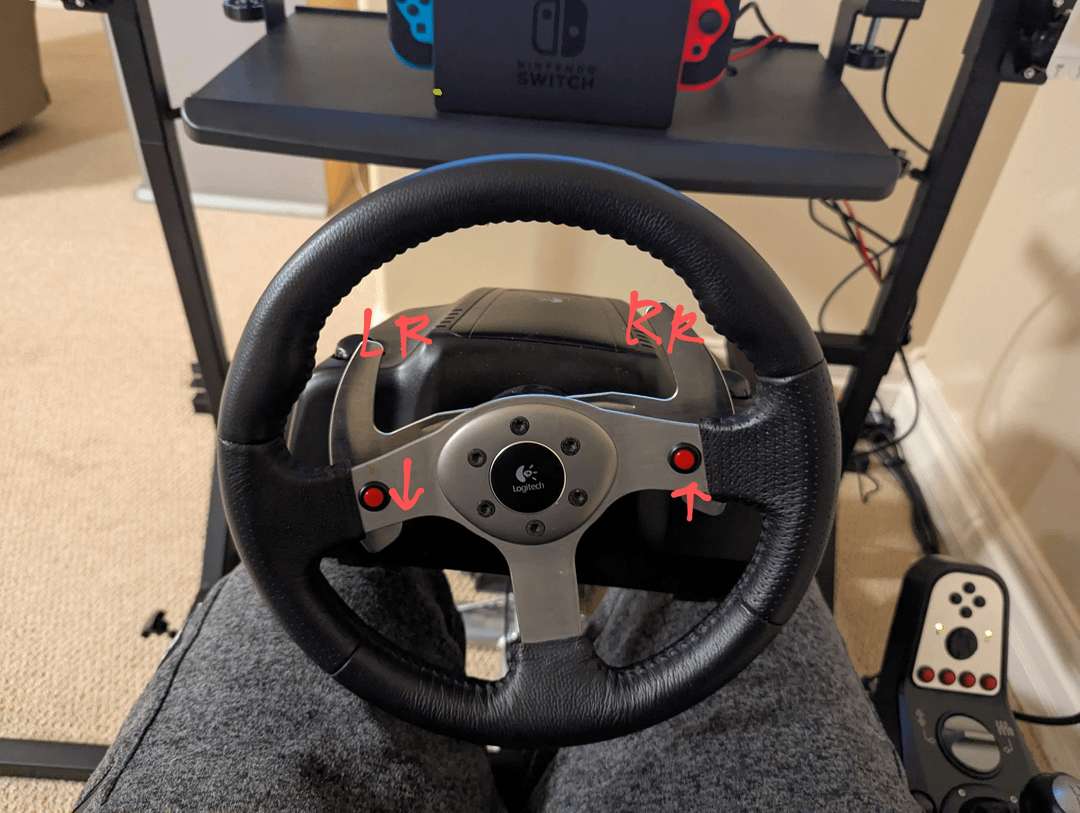
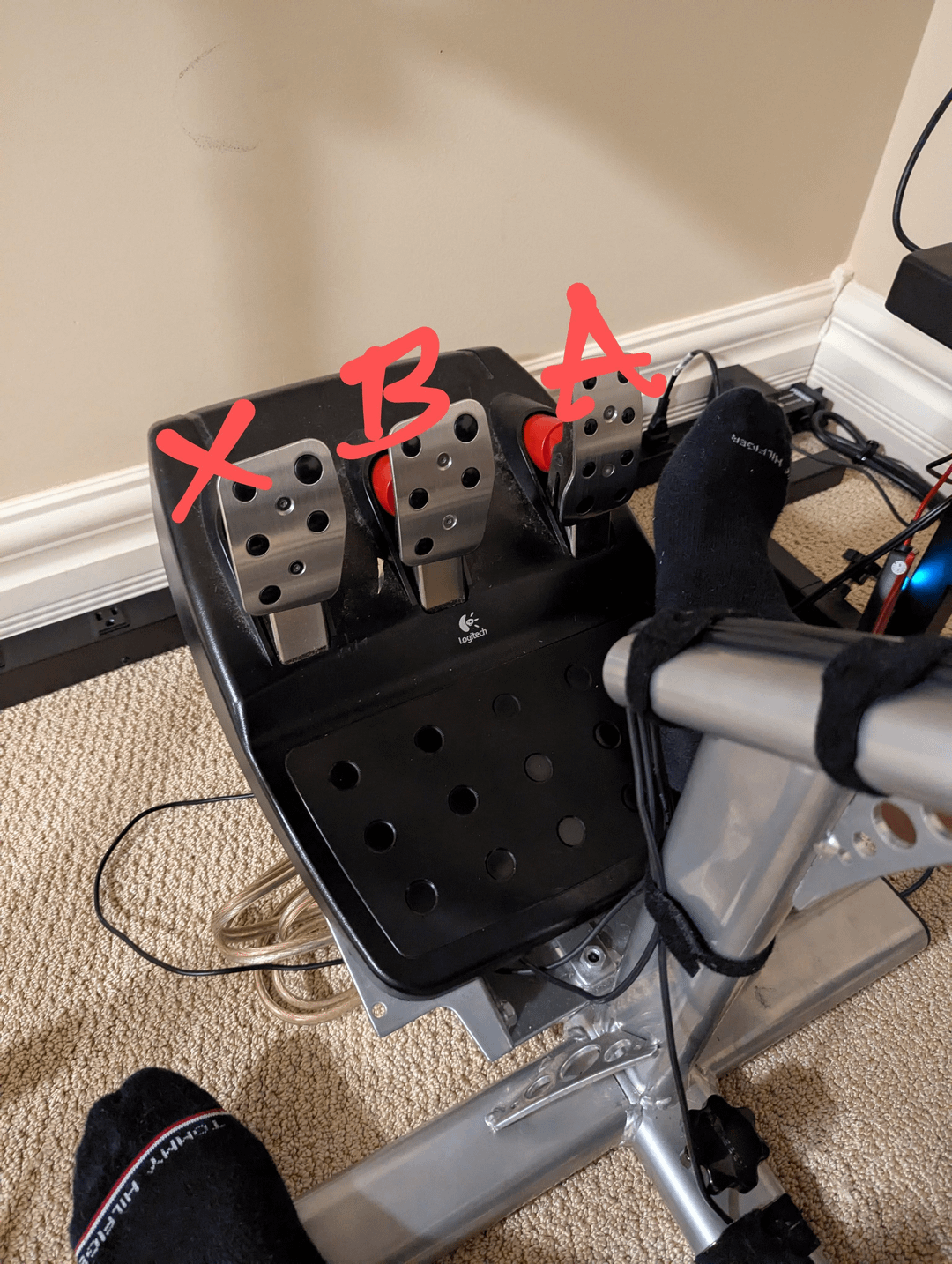
The converter enables you to re-map buttons for specific functions to your liking, very easy to do and can save any profiles to your liking. To give you an example, I mapped the "power up" button to the red left horn button eg, firing red shells, and upshift (pulling stick shift down) to be used for drifting ala hand brake style, and so on.
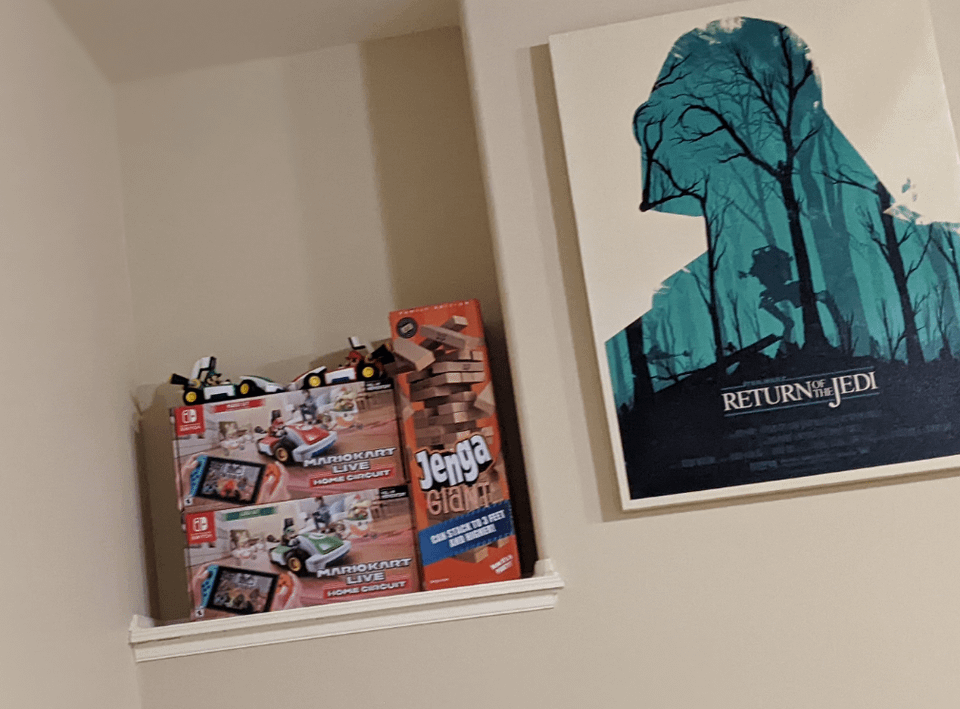
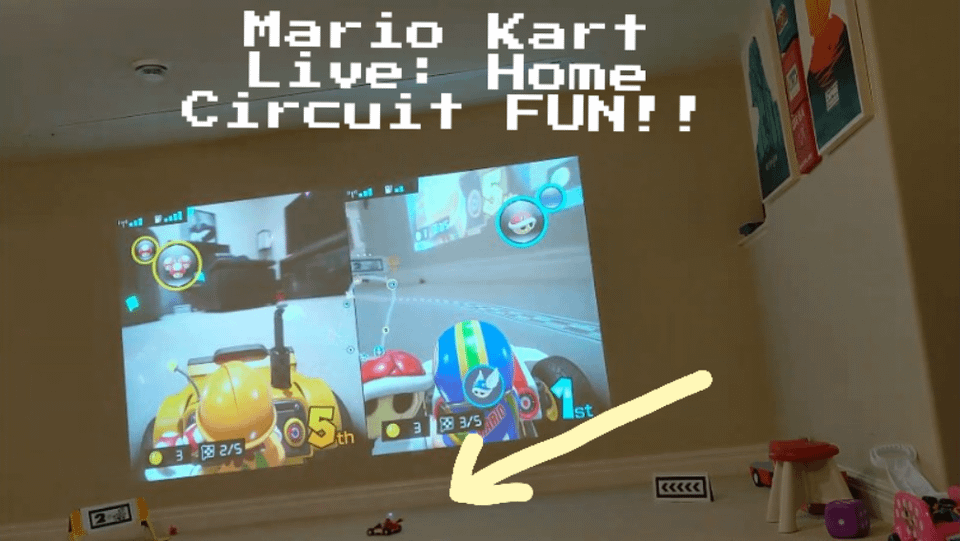
This setup is Primarily for Mario Kart 8 Deluxe, but can play other games like Crash Team Racing (another staple game, along with Sonic Team Racing), especially the battle mode, search and destroy with wheels is very immersive, makes you feel you're in the game pushing buttons to fire missiles. This setup is console agnostic and can hook up any console you want, or PC for that matter. But my kids are more on Switch arcade racing games, and like making their own tracks with MARIO KART LIVE : HOME CIRCUIT.
Will be acquiring the Switch 2 soon, I initially thought of waiting for the OLED version but getting one sooner for Mario Kart World experience alone will be worth it. Happy gaming everyone!
by Aromatic-Attitude-34