Hi,
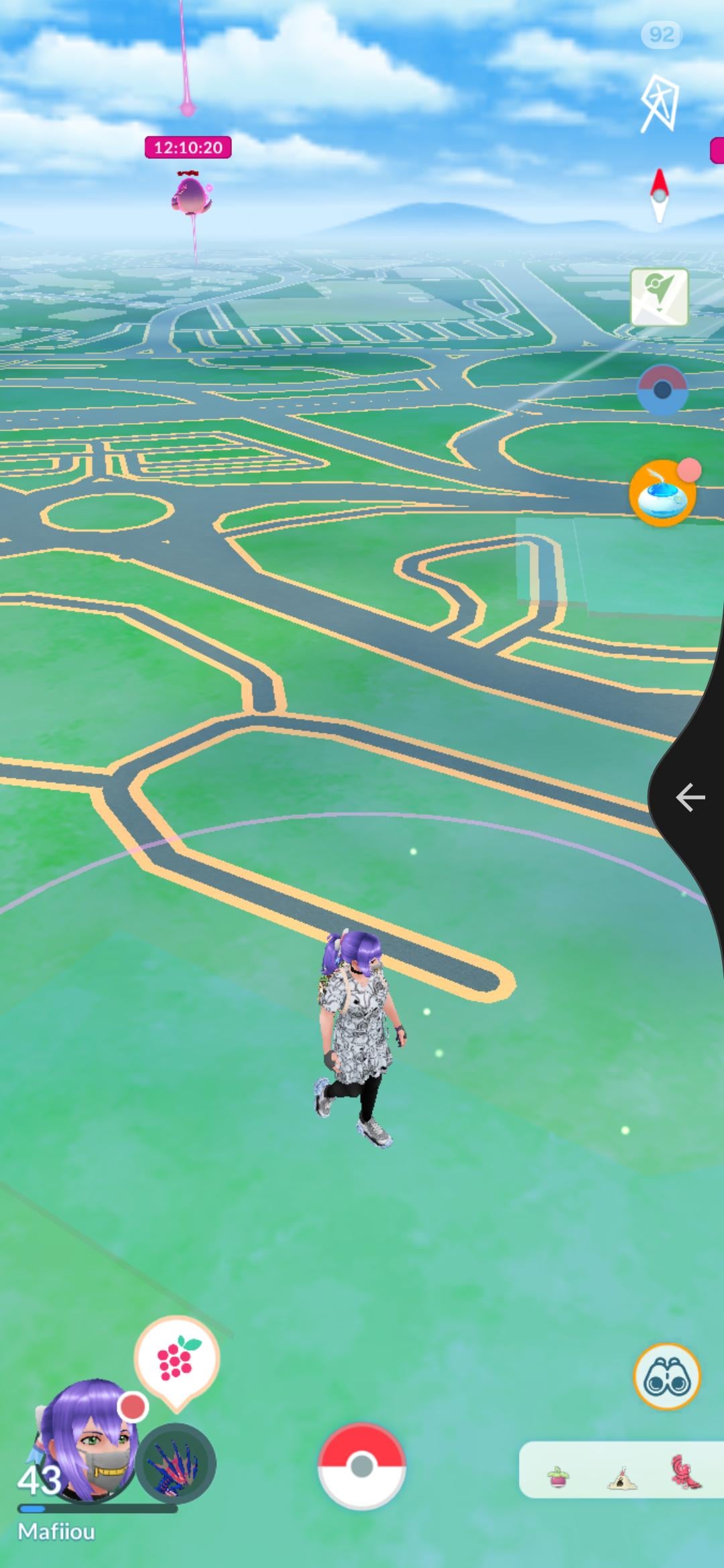
I had the issue on my Samsung S23: since the latest update, the navigation bar completely disappeared in fullscreen on Pokémon GO. Result: super annoying when you want to quickly exit a capture.
👉 After some testing, I found an effective fix using Good Lock:
-
Download the Good Lock app from the Galaxy Store.
-
Once installed, add the One Hand Operation+ module.
-
Configure a gesture area on the side of the screen.
For example, set a right swipe to the “Back” function.
- The result: you now have an invisible navigation bar on the side that replicates the usual functions (Back, Home, Recent Apps).
📸 (See screenshot: when I do the gesture, the Back action is triggered)
Here a Short for Tuto : https://youtube.com/shorts/NrflqbzGgS0?si=2com3pqN_Ol-oq6e
Since setting this up, no more issues navigating quickly even in fullscreen! (Sorry my bad english, my french)
by Mafiou-Monroe