With the new level expansion in Pokémon GO, it’s now a lot easier to spot someone who hasn’t been active recently. If you’re looking to clean up your friends list efficiently, here’s a method that helped me go through mine much faster:
Step-by-step guide:
-
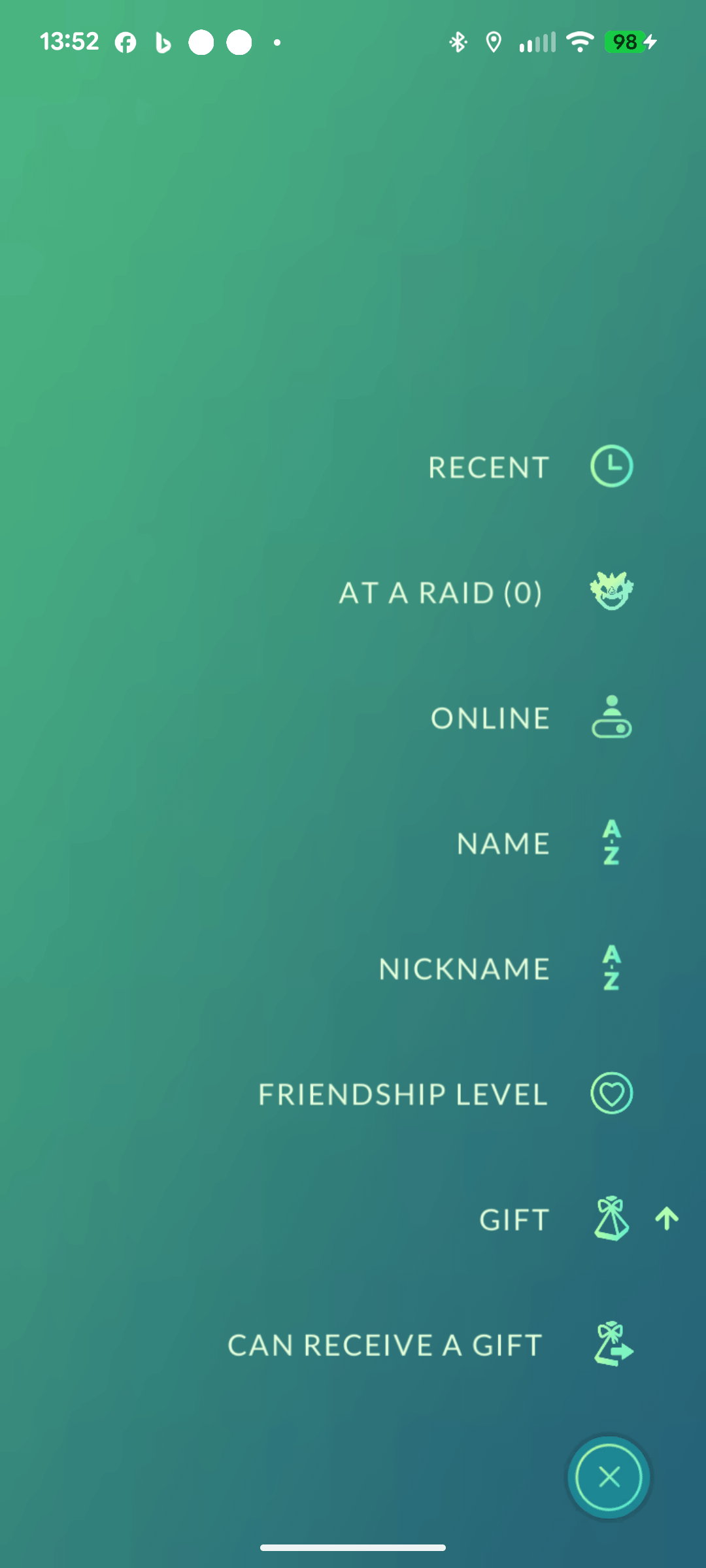
Sort by Gift icon for people who haven't sent you anything. This highlights players who are likely inactive (see image 1).
-
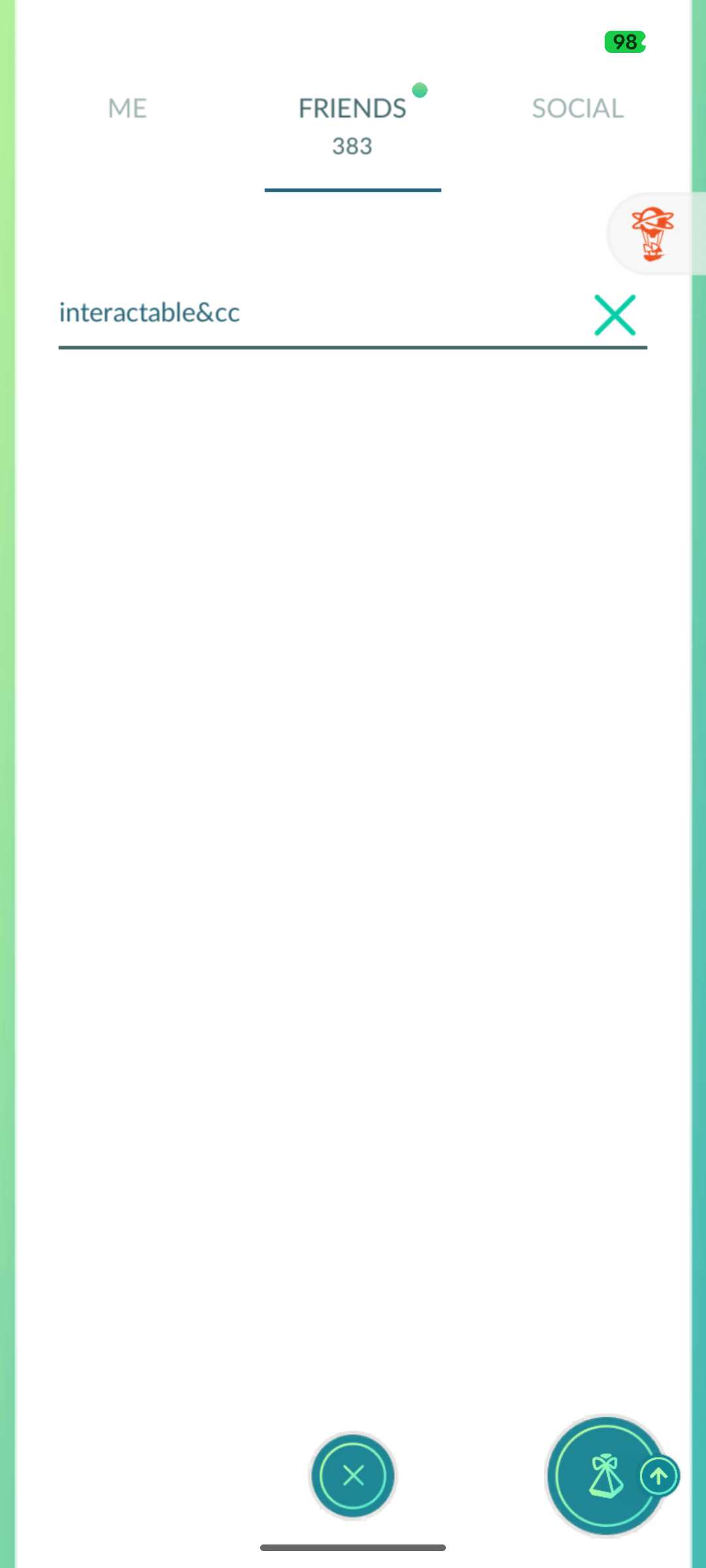
Type interactable in the search bar (see image 2).
-
Scroll through your friends’ profiles and check their activity (their level won’t update if they’ve been inactive).
-
Note their username before deleting them.
-
Delete the inactive friend. (The game will automatically take you back to the top of the list.)
-
Search interactable&[first letter of their username].
-
Repeat through the alphabet. This skips players you’ve already checked.
Example:
If I remove a player named BOT1234, I’d next search for interactable&b to continue from that part of the list. Since their second letter is O, I’d scroll down to where the BO names start. Once I finish the B’s, I move to interactable&c, and so on.
It might sound a bit tedious, but if you’ve got 400+ friends, this method saves a ton of time compared to scrolling endlessly after deleting someone.
by TheRealJayRet