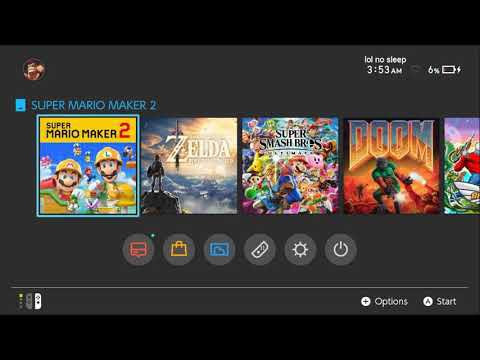
Hey, I am a college student who was unable to many online games that require a P2P connection. I followed this tutorial: [https://www.youtube.com/watch?v=UhOI-D-YmAs](https://www.youtube.com/watch?v=UhOI-D-YmAs).
You’ll need:
\- A VPN(it worked with Windscrible for me)
\- A PC or computer(Windows)
EDIT:
1. Go to setting: search for “Mobile Hotspot”. Turn on your hotspot.
2. Go to: Control Panel\\Network and Internet\\Network Connections going into settings.
3. Find the VPN you use and right-click. One of the options should be “Properties”. Click it
4. A pop-up should show many tabs such as “General”, “Options”, etc. Find “Sharing” and click on it.
5. There will be 3 checkboxes. Check the 1st(“Allow other users….”) and 3rd one(“Allow other users…”. Click OK.
6. Connect your Nintendo Switch to the hotspot. Done!
​