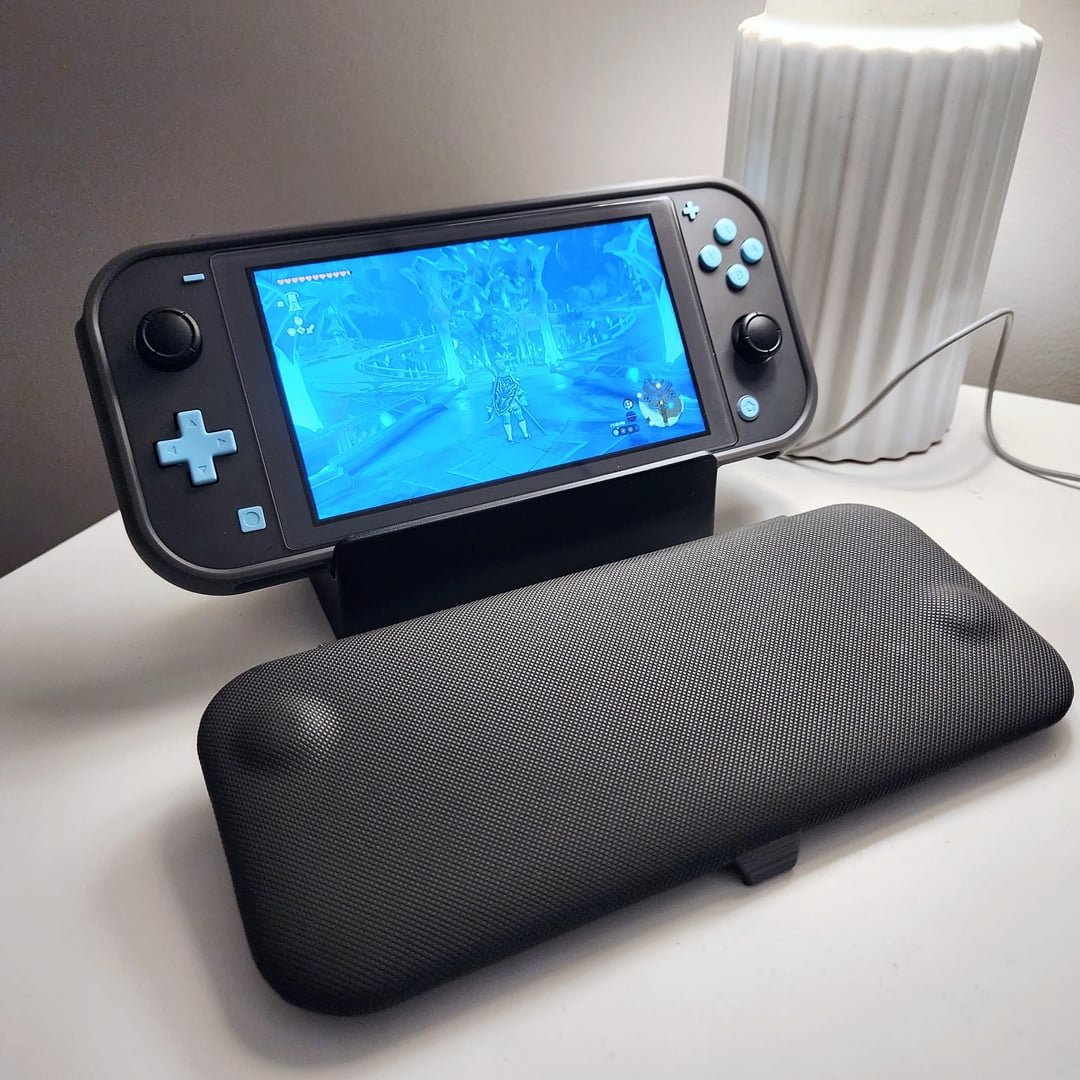
Found an extremely cosmetically damaged switch lite selling for C$80. The owner was a heavy smoker and the witch was largely abandoned until his dog found it and chewed it until not even his mom would recognize its face.
Even that terrible cosmetic condition, he assured me the console still worked perfectly. After paying him 80 bucks and running a few tests I confirmed that It was indeed working just fine, but the poor thing was also very dirty inside.
I was already planning to fix it, but then I decided to go all in and make the best switch lite I possibly could within a reasonable budget.
**MAGNETIC STICKS:**
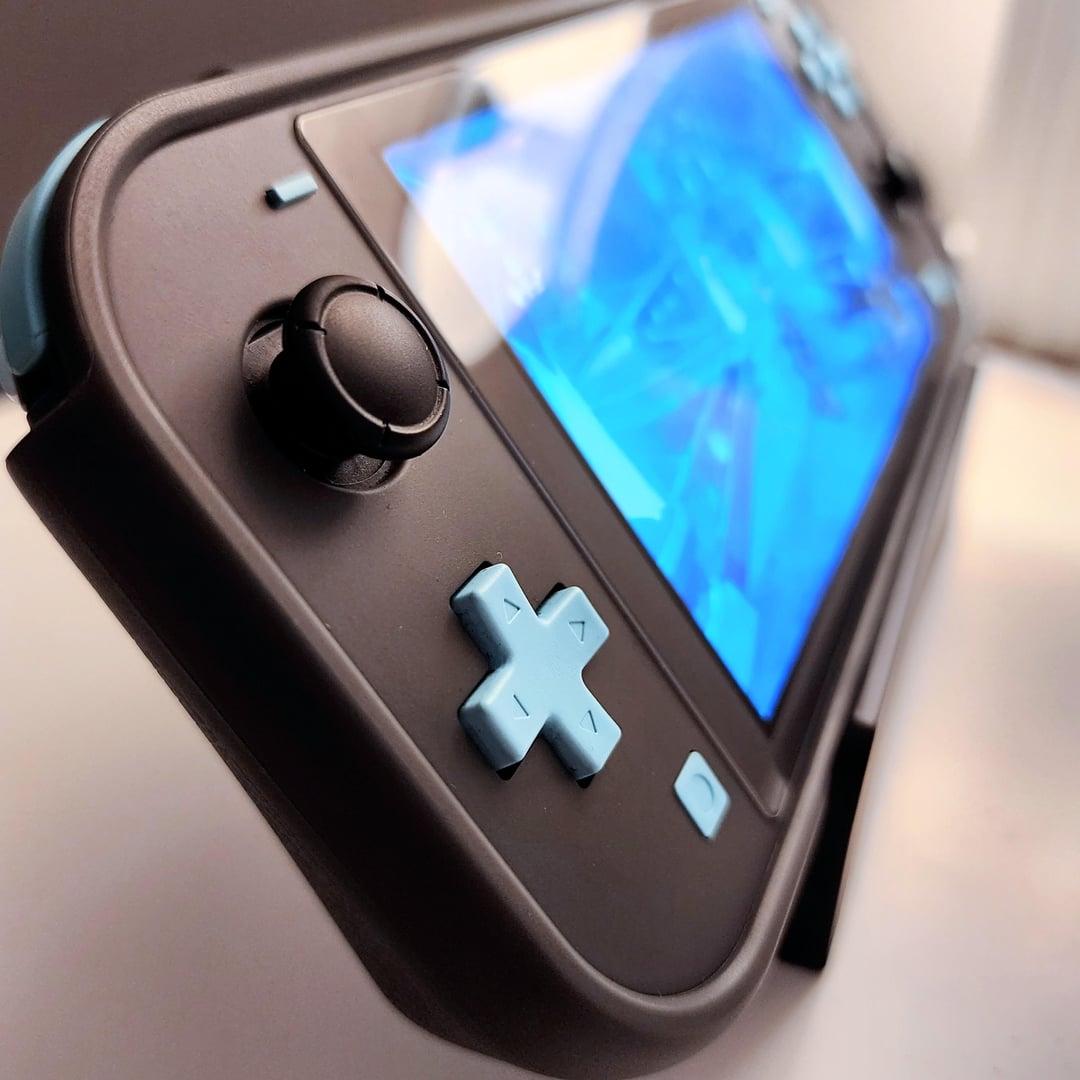
Stick drift was a big concern to me, so the first thing I bought was buying Guilikit’s Hall Joysticks. Those are stick replacements for both Joycons and SL, only instead of using a mechanical system to measure input, these use a magnetic sensor to track stick movement. This should in theory eliminate any possibility of stick drift in the console’s lifetime.
**LAMINATED SCREEN:**
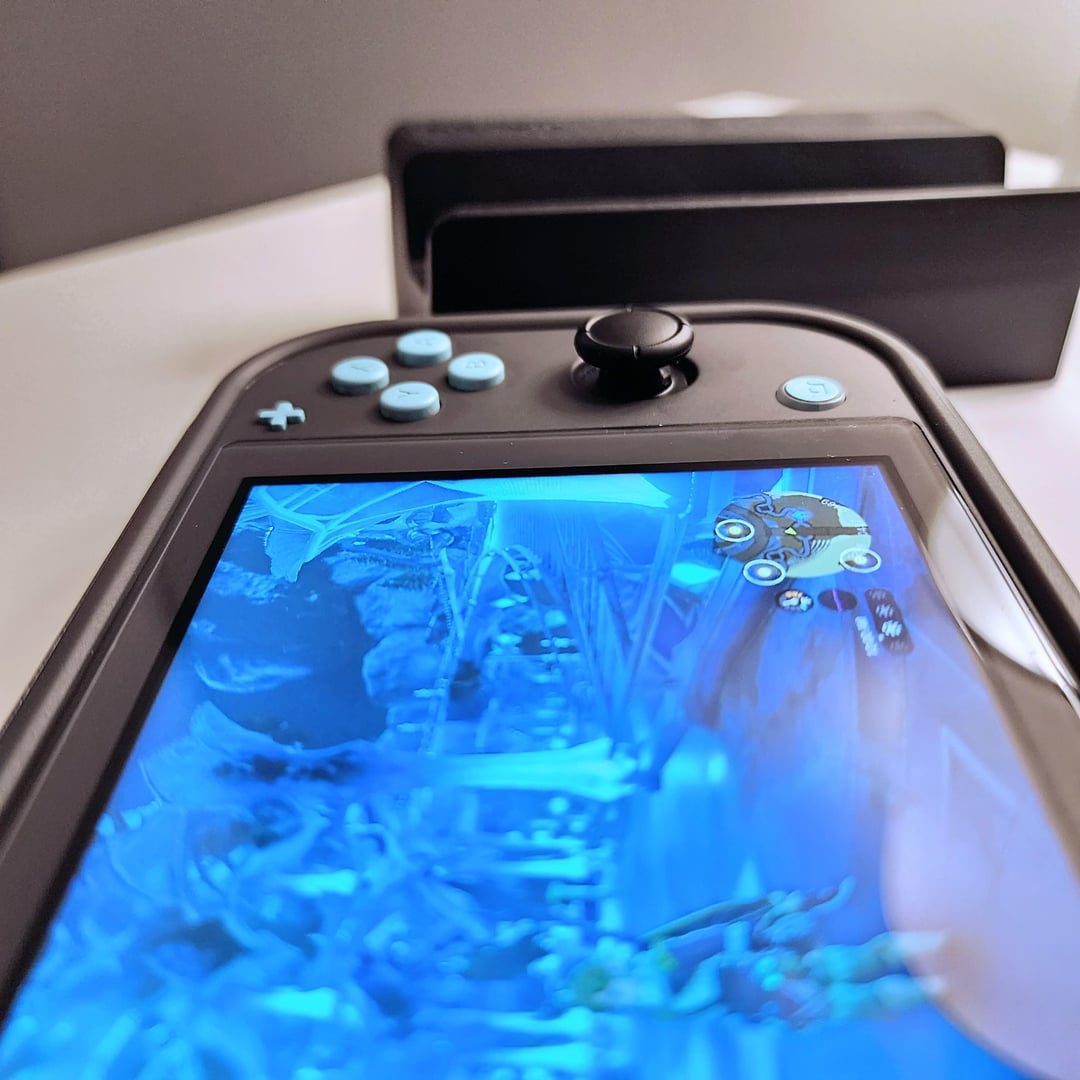
The screen was the most exciting find. I was looking if there was any OLED mods floating online, but I wasn’t able to find anything I could confidently buy. What I did find, however, was a laminated screen for both regular and Lite versions of the Switch on AliExpress.
A laminated Screen does not have an air gap between the pixel and the plastic. That significantly improves viewing angles and eliminates light reflections inside that air gap, making the colors more accurate and overall image quality better.
The downside is that any impact on the plastic display will transfer directly to the pixel, making it easier to damage. A glass screen protector should help with extra protection. I can live with that.
**INTERNALS:**
The only internal modifications made was a new set of rubber membrane for all buttons as well as reapplying thermal paste, since the original paste was just gone entirely. I used Arctic’s MX-4 thermal compound bought straight from Amazon.
I had to take the entire switch apart and clean all the smokers dust and gunk inside of it. The poor fan was barely able to spin with that much dust and dog fur stuck in it.
**COSMETIC:**
The shell and buttons were chewed off and scratched. Replacing those was not an option. Aliexpress had plenty of options for custom shells with unique colors, designs or even transparent ones. That’s cool and all, but I wanted to keep it simple and make it match my 2DS XL. So I bought the default grey shell with blue buttons. The colours don’t exactly match, but it’s close enough for me.
The last cosmetic item was a flip case that protects the entire device while not making it a lot thicker than it should. The extra grip pads help a lot with ergonomics and the detachable cover is very convenient.
Overall I’m very happy with the result and the final cost was still under the price of a brand new Switch Lite. Here are the prices:
– Damaged Switch Lite: C$80
– Hall Effect Joysticks: C$35
– Laminated Screen: C$45
– Replacement shell: C$10
– Buttons: C$5
– Thermal paste: C$12
TOTAL: C$187 or ~200 with tax.
A brand new Switch Lite in Canada is C$260 before tax.
I managed to save 60 bucks and end up with a better quality product in the end. I totally recommend these modifications. These do not require soldering at all and are fairly easy to do without any experience.
by Blackpoc
47 Comments
Damn this looks great!
That looks fantastic. I didn’t know you could install GulliKits on the Switch Lite. If I could put an OLED screen, I would go back to the Lite.
Looks like my Switch Lite needs an upgrade too!
Do you have a regular Lite to compare picture quality of this laminated screen against? Really curious what your thoughts are after some time using it too. For that price, I’m quite tempted to get one for my V1 Switch when I’m not using the OLED.
if it has better battery life then it’s perfect. The only thing holding me back from getting a lite is the battery
Don’t you also need thermal pad replacements in addition to paste? Often people will use a thicker paste-style compound made specifically for replacing pads so that they don’t have to worry about having the exact thermal pad thickness.
Looks like it’s time for my old Switch to retire and pass the torch to this beauty!
Got that New Nintendo 2DS XL paint job.
What case is that? It looks really nice.
Magnetic sticks, if they truly eliminate drift issues, could be the absolute end goal aftermarket mod for any controller or handheld. That has really exciting appeal.
recently installed some Gulikit hall effect joysticks, works great and its good to be able to use my joycons again.
Your switch lite looks great, btw. Great color scheme.
What case is that
Why does the screen look blue?
That’s slick
If the light supported TV mode, i would have chosen it over my oversized v2 Switch. I like the size of the light system.
Is there a possibility to install an OLED screen on the switch lite?
Good idea yet risky to look for a beat up console and then fix it up. Sounds like a fun project to undertake though.
I did something similar to my launch day Switch last month. I’m not a frequent player and it mostly stays docked, but the shell had certainly seen better days, the original joycons had drift, and the battery was near about useless. It needed a refresh, and, without a processor upgrade, it didn’t make sense to invest in a new Switch.
In the main unit, I put in a new battery, replaced the noisy fan, replaced the thermal paste, and replaced the back shell with a transparent/clear shell. The shell had become cracked and broken in several places, so it’s in better condition than it’s been in years.
Then I pulled out my old joycons, replaced their shells with the same transparent/clear style, leaving the original back buttons, and put in the Gulikit sticks. I also replaced the side LEDs with purple ones because… why not. The batteries in these were actually fine, so I didn’t bother to replace them at this point, though I probably should’ve in retrospect just because.
All in all, my Switch feels like a brand new unit now. Sure, no OLED, no decent kickstand, etc., but I don’t need that because it stays mostly docked. It has a new lease on life and hopefully it’ll keep going another 5+ years.
What sticks did you get? Been looking at magnetic ones to replace mine
can not imagine playing the best game of the year on a switch lite
Nice job! Since you were doing so much internal surgery anyway, you should have also installed a picofly
https://wololo.net/2023/03/21/picofly-the-3-nintendo-switch-hacking-modchip-is-real-and-its-now-available/
Very reasonable price for the sticks. Might get some, myself.
How was replacing the sticks?
that color calibration doesnt look good…
In your 2nd photo, you can see a tiny gap left by the new Gulikit. This issue was eliminated in 2nd revision of the Gulikit. Just FYI.
Looks like my regular Switch needs to hit the gym!
Well that was a nice rabbit hole this post brought me down. Just ordered the Hall Effect joysticks and a new case and buttons! It’s mod time!
What case do you have on it? Is the cover part of the case?
Hmm, how have the GuliKit sticks held up? Big fan of the company and their parade to push forward hall effect sensors, though I’ve not heard any serious report back on the Switch Lite.
Great looking Switch setup!
It looks like a fcking New Nintendo 2DS XL from the color scheme.
If this was a real model, it would be the most petty way of Nintendo giving the middle finger to the 3DS family.
Any chance you could link the screen you bought? With so many options out there, I don’t want to get short changed. Lol. AliExp can be tough sometimes. xD
Just the laminated screen transform the Lite into a whole another handheld
Here’s hoping Nintendo actually spend some of their Totk cash into upgrading the Lite
Looks fantastic!
Mind pm’ing me the link for the laminated screen? I cannot find it
Does anyone have a YouTube video you recommend for helping projects like this? I really need to redo the thermal paste in my Switch and PS4 but have no clue where to start. While I’ve got the thing busted open I might as well make some improvements, especially to the sticks.
Seems crazy to pay that much for it if it was in as bad a condition as you describe
This looks great. Could you please share a link to the screen you bought?
Looks great and giving 2DS XL vibes!
But tell us more about the abandoned witch. 🧙♀️ 😝
[https://i.imgur.com/2ScQwQq.jpg](https://i.imgur.com/2ScQwQq.jpg)
This is my switch that I modded. New shell, all new buttons, new sticks, new screen. I would have went with the hall effect sticks but didn’t know they were for the lite
I like the minimalist design. Makes the buttons pop.
Looks great! What case is that?
Reminds me of the new 2ds xl
Wait? Why install a laminated screen with no air gap if you’re only going to immediately cover it with a screen protector that eliminates the benefit?
I like the gulikit’s but the rubber is very slick. I had to get some toppers so my thumbs wouldn’t slip off all the time.
Do you have a link to the screen and hall effect joysticks. I love aliexpress but sometimes it’s a crap shot when trying to find the same product
Looking nice, got a link for the non drift joysticks and do they actually work?
I’ve heard mixed reviews
why is the screen blue?
That’s a very lit job mate! I wanted to ask you whether do you find yourself comfortable playing the new zelda on the lite? and if you can provide details for the stand that you are using. Thnx!