Important preface: placing a pokemon in a gym prevents its stop from counting as a new stop for your buddy, I assume the same applies here. So don't place a pokemon until you've spun the stop!
I usually keep my auto spinner running while driving around, plus I play a ton and have meandered endlessly for spawns and driven to out of the way gyms for raids, so finding a new stop took a bit of strategy.
I ended up using the gym map to pick a destination.
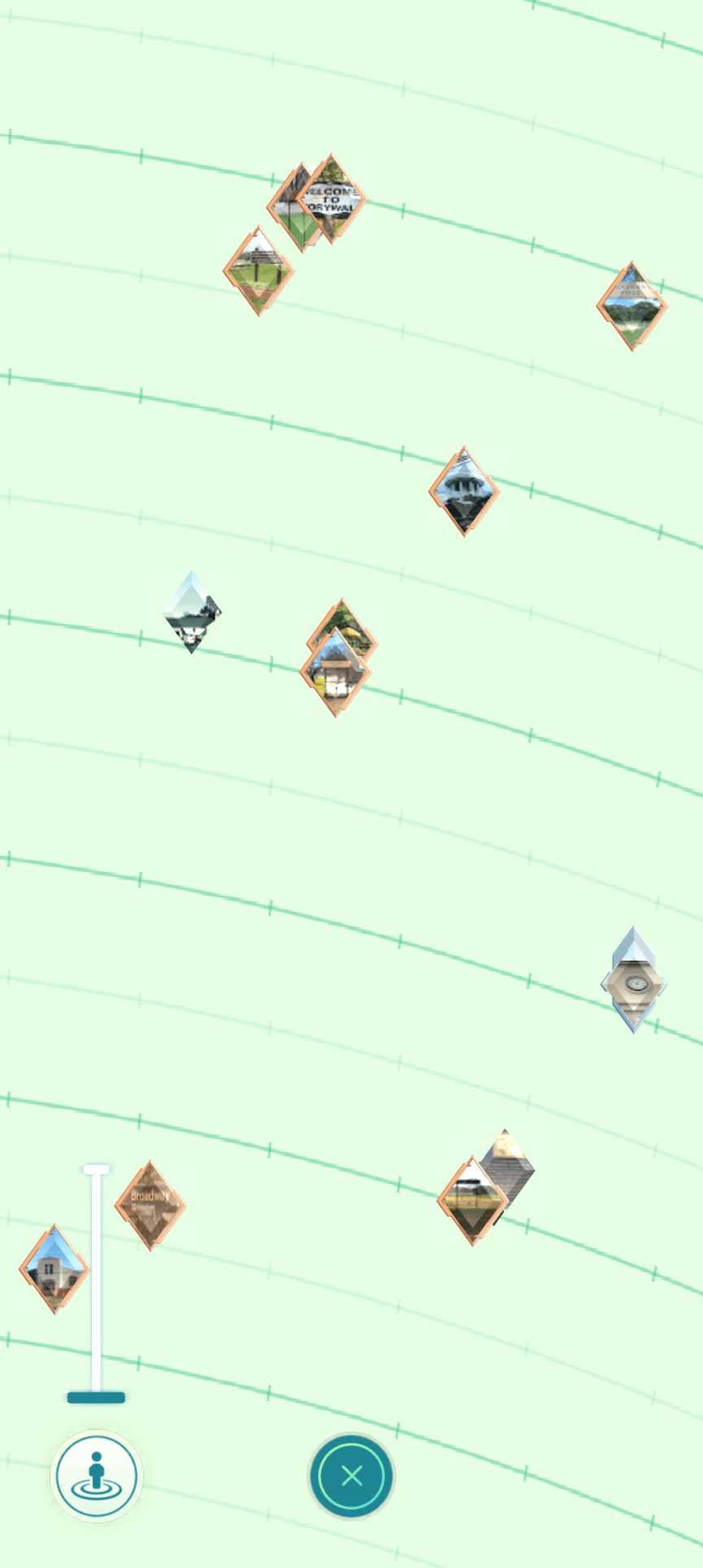
You can find the map by scrolling to gym badges on your profile, going to the list, and then hitting the map icon in the lower left corner. As you zoom in you'll get gym badges rather than numbers.
I looked for areas where I had fewer gym badges and/or gym badges that were bronze or lower assuming that'd be areas I'd played in less. Clicked on the gyms to find one with a unique enough name or description that I could plug it into maps, then headed to that general area. (If I was in a less dense area, I'd have cross checked campfire for gyms but that's not necessary for me.)
Once I was there, I looked for stops marked with the white ring that meant they were new. If there were none, I used routes to find new stop hubs – anything with parks is a good bet for me, since I travel more to downtown areas.
There are very solid reasons I don't usually play on that side of town, but I managed to finish the research before tomorrow's storm so I'm taking it as a win.
Sharing the strategy in case it helps anyone else trying to find a stop they haven't yet spun!
by rachycarebear